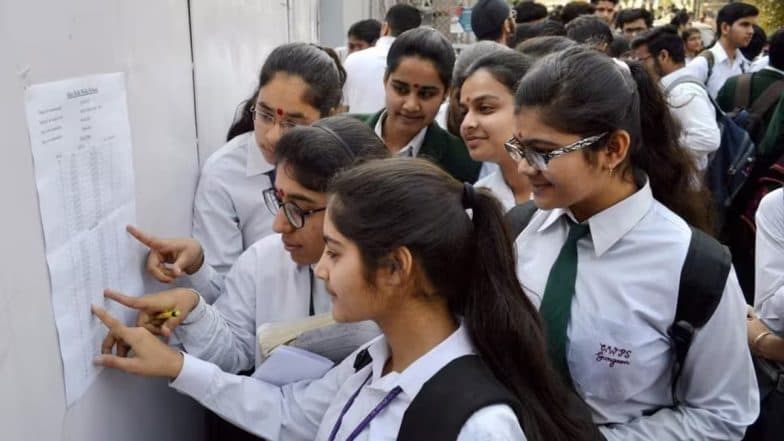
How To Download DHSE Kerala Plus One Result 2026 Scorecard at keralaresults.nic.in?
The Directorate of Higher Secondary Education (DHSE), Kerala, has released the Kerala Plus One Result 2026. Students who appeared for the examination can check and download their DHSE Kerala Plus One scorecard PDF through the official websites - results.hse.kerala.gov.in and keralaresults.nic.in.


The Directorate of Higher Secondary Education (DHSE), Kerala, has released the Kerala Plus One Result 2026. Students who appeared for the examination can check and download their DHSE Kerala Plus One scorecard PDF through the official websites - results.hse.kerala.gov.in and keralaresults.nic.in.
To access the Kerala Plus One marksheet PDF, students will need their application number and date of birth. NTA Under Fire Again: NIFT 2026 Results Marred by Score Discrepancies, Absent Candidates Shown Results, Biometric Lapses.
DHSE Kerala Plus One Result 2026 Login Credentials
Students must keep the following details ready to download their scorecard:
- Application Number
- Date of Birth
How to Download DHSE Kerala Plus One Scorecard PDF at keralaresults.nic.in?
Students can follow the steps below to download the DHSE Kerala Plus One Result 2026 scorecard PDF:
- Visit the official websites - keralaresults.nic.in or results.hse.kerala.gov.in.
- Click on the DHSE Kerala Plus One Result 2026 scorecard PDF link.
- Enter the application number and date of birth.
- Submit the details.
- The DHSE Kerala Plus One scorecard PDF will appear on the screen.
- Download and save the scorecard PDF.
- Take a printout for future reference.
Details Mentioned on DHSE Kerala Plus One Scorecard 2026
The Kerala Plus One marksheet will contain the following details:
- Candidate's name
- Roll number
- Subject-wise marks
- Aggregate marks
- Pass percentage
- Qualifying status
- Other important examination details
How to Download DHSE Kerala Plus One Scorecard via DigiLocker?
Students can also access their Kerala Plus One scorecard through DigiLocker by following these steps:
- Visit the DigiLocker website or open the DigiLocker app.
- Sign in using your credentials.
- If you do not have an account, create one and complete the registration process.
- Search for the DHSE Kerala Plus One scorecard option.
- Enter the required details and submit.
- Download the scorecard PDF and save it for future use.
How to Download DHSE Kerala Plus One Scorecard via Saphalam App?
Students may also download their results using the Saphalam app:
- Download the Saphalam app from the Google Play Store.
- Open the app and click on the DHSE Kerala Plus One scorecard link.
- Enter the application number and date of birth.
- View the scorecard on the screen.
- Download and save the PDF.
- Take a printout for future reference.
For the latest updates and detailed information on DHSE Kerala Plus One Result 2026, students should visit the official websites - keralaresults.nic.in and dhsekerala.gov.in.
(The above story first appeared on LatestLY on Jun 10, 2026 03:53 PM IST. For more news and updates on politics, world, sports, entertainment and lifestyle, log on to our website latestly.com).