How To Check if Your Mobile Number Is Linked to Your Aadhaar: A Step-by-Step Guide
The process to verify if your mobile number is linked to your Aadhaar involves using the UIDAI portal or the Aadhaar app. If not linked, you must visit an authorized enrolment centre for biometric updates. Maintaining accurate contact information is crucial for accessing government services and ensuring the security of your digital identity.

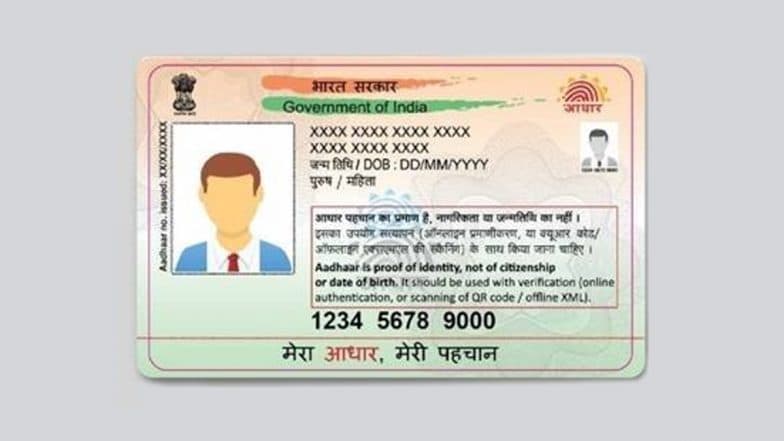
Ensuring that your mobile number is correctly linked to your Aadhaar card is essential for accessing a wide range of government and digital services. A registered mobile number acts as the primary gateway for Aadhaar-based authentication, enabling you to receive One-Time Passwords (OTPs) required for online portals, banking updates, and welfare subsidy transfers.
If you are uncertain about which mobile number is currently registered with your Aadhaar, the Unique Identification Authority of India (UIDAI) provides a straightforward online verification process. Aadhaar Card: UIDAI Rolls Out Free Email Update via App, No Need To Visit Centre.
Steps To Verify Your Registered Mobile Number Online
You can confirm your linked mobile number by using the official UIDAI portal or the mAadhaar app. Follow these steps:
- Visit the Official Portal: Navigate to the official UIDAI website at uidai.gov.in.
- Access Aadhaar Services: Look for the "My Aadhaar" section on the homepage. Under "Aadhaar Services," select the option labeled "Verify Email/Mobile Number."
- Enter Your Details: On the verification page, input your 12-digit Aadhaar number.
- Provide the Mobile Number: Enter the mobile number you wish to verify.
- Complete CAPTCHA: Type the security code (CAPTCHA) displayed on the screen.
- Verify: Click on "Get OTP."
If the mobile number matches the one in UIDAI’s records, the system will display a confirmation message stating that the number is already verified. If it does not match, you will receive a notification indicating that the entered number is not linked to your Aadhaar.
Alternative Method: Using the New Aadhaar App
The Aadhaar mobile application also offers a convenient way to perform this check:
- Download and install the Aadhaar app from the Google Play Store or Apple App Store.
- Navigate to the "Services" tab.
- Select "Verify Email/Mobile Number."
- Enter your Aadhaar number and the displayed CAPTCHA.
- The app will confirm whether the provided mobile number is associated with your identity.
What To Do If Your Mobile Number Is Not Linked With Aadhaar
If you discover that your mobile number is not registered or you wish to update it to a new one, you must visit an authorized Aadhaar Enrolment Centre or an Aadhaar Seva Kendra.
- Process: You will need to provide your Aadhaar number and complete a biometric authentication (fingerprint or iris scan).
- Documentation: In some cases, you may need to fill out an update or correction form.
- Tracking: After submitting your request, you will receive an acknowledgement receipt containing an Update Request Number (URN). You can use this URN to track the status of your request on the official website. Aadhaar App Security: 5 Simple Steps To Update Your Aadhaar App PIN.
Important Reminders for Citizens
- Security: Never share your Aadhaar OTP with unauthorized individuals. Use only official UIDAI platforms for these services.
- Support: If you face persistent issues during the verification process, you can contact the UIDAI toll-free helpline at 1947 for further assistance.
- Updating: Mobile number updates cannot be performed entirely online; a visit to a physical enrolment centre is required to ensure secure biometric verification.
Ultimately, the process of verifying your mobile number with your identity card is a critical step in securing your digital footprint. By confirming that your records are up to date, you ensure seamless access to essential online government and banking services while safeguarding your personal data against unauthorized authentication attempts. As digital security measures continue to evolve, maintaining accurate and verified contact information remains the most effective way to protect your account and ensure the integrity of your identity across all official platforms.
(The above story first appeared on LatestLY on Jul 14, 2026 01:27 PM IST. For more news and updates on politics, world, sports, entertainment and lifestyle, log on to our website latestly.com).