Book Aadhaar Seva Kendra Slots via Official App: Step-by-Step Guide and Direct Link
UIDAI introduced a simple process for booking appointments at Aadhaar Seva Kendras using the official Aadhaar mobile app. Residents can schedule new enrolments or updates, select preferred time slots to reduce wait times, and bring required documents along with the digital acknowledgement receipt.

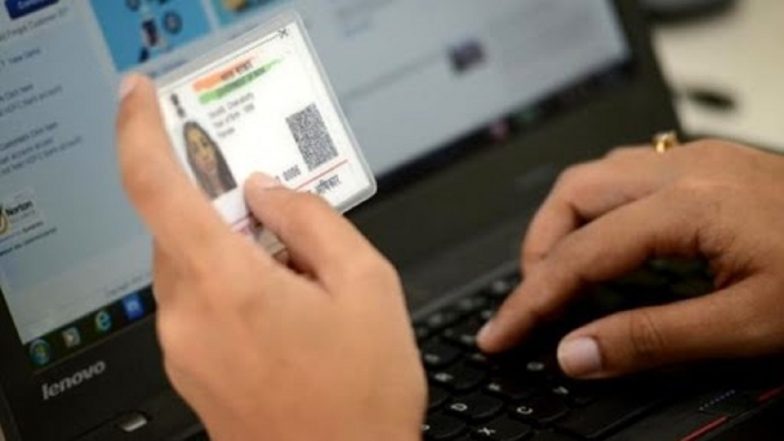
The Unique Identification Authority of India (UIDAI) on Saturday, August 1 outlined a simple process for residents to book appointments at Aadhaar Seva Kendras using the official Aadhaar mobile app. The guidance aims to help users access enrolment, biometric updates, demographic changes and other services with less waiting time.
In a post on X, UIDAI stated: "Follow these easy steps to book your appointment using Aadhaar App and visit Aadhaar Seva Kendra for smooth, hassle-free services." The agency also shared a direct link to download the app. Aadhaar App on iPhone: Easy Guide to Downloading and Setting Up UIDAI Services via Apple's App Store.
UIDAI Launches Easy App Booking for Aadhaar Services
Follow these easy steps to book your appointment using Aadhaar App and visit Aadhaar Seva Kendra for smooth, hassle-free services.
To download Aadhaar App, click - https://t.co/CBGE88HCKM#BookAppointment #AadhaarServices #EaseofAccess #myaadhaarportal pic.twitter.com/jxTYqebvO2
— Aadhaar (@UIDAI) August 1, 2026
Steps to Book an Appointment Using Aadhaar App
According to the information provided by UIDAI, users should follow these four steps:
- Log in to the Aadhaar App and click Services.
- Select "Book an Appointment" and fill in the required details.
- Choose the city, Aadhaar Seva Kendra, date and time.
- Confirm the appointment and save the acknowledgement receipt.
- The app can be downloaded from the official link shared by UIDAI at https://pehchaan.uidai.gov.in/app/download?src=commonsm.
Why Book Aadhaar Appointment in Advance
Aadhaar Seva Kendras are dedicated centres run by UIDAI that handle new enrolments and updates to existing Aadhaar records. Online or app-based appointment booking allows residents to select a preferred time slot, reducing queues at the centre. Booking itself is free of cost. Applicable service charges, if any, are paid at the centre. Residents can also book appointments through the myAadhaar portal at bookappointment.uidai.gov.in. The app-based option offers an additional convenient channel for those who prefer mobile access. How To Update Address in Aadhaar Using Head of Family Request on the Official App.
What To Carry
Users should save or print the acknowledgement receipt generated after booking. At the centre, they will need to present this along with original supporting documents required for the chosen service, such as proof of identity or address. UIDAI continues to promote digital channels to improve access to Aadhaar services across the country. Residents seeking assistance can refer to the official UIDAI website or the Aadhaar app for the latest details.
(The above story first appeared on LatestLY on Aug 01, 2026 03:54 PM IST. For more news and updates on politics, world, sports, entertainment and lifestyle, log on to our website latestly.com).