How To Update Your Email ID in the Aadhaar App: A Step-by-Step Guide
UIDAI has launched a new service allowing residents to update their email ID via the Aadhaar app for free. Effective from July 1, the service is available for six months. Within 48 hours of launch, over 2.5 lakh users have updated their records, enhancing security by enabling real-time authentication notifications. Users should ensure their app is updated to access this feature.

- Read in
- हिंदी
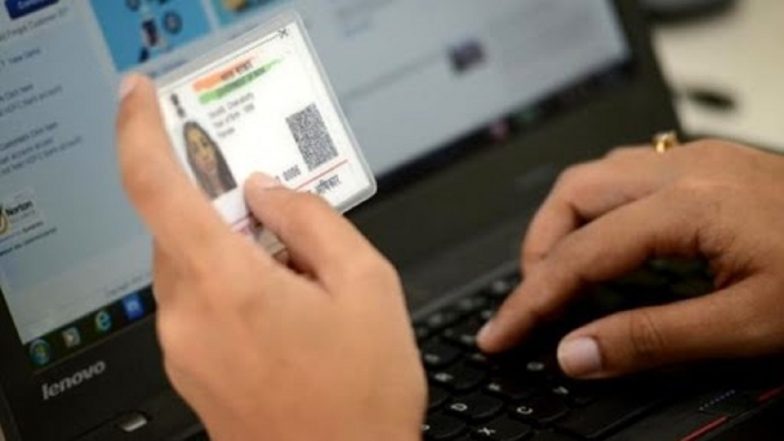
In a significant move to enhance digital accessibility for Indian residents, the Unique Identification Authority of India (UIDAI) has introduced a new feature allowing citizens to add or update their email IDs directly through the Aadhaar App. This initiative aims to streamline the process of keeping personal identity records current without the need for physical visits to enrollment centres.
New Facility Offers Six-Month Free Service
As per an official release from the Ministry of Electronics & IT, the service is currently offered free of charge for a period of six months, effective from July 1. This limited-time window is intended to encourage widespread adoption and assist residents in maintaining accurate contact details associated with their digital identity. UIDAI Launches Free Aadhaar Email Update Service on Aadhaar App; Here’s How It Works.
The response to the service has been immediate. Official reports indicate that within the first 48 hours of its launch, over 2.5 lakh users successfully updated their email addresses using the mobile application.
Benefits of Linking Email to Aadhaar
Linking an email ID to an Aadhaar profile provides a critical security layer for users. By registering an email, residents receive real-time notifications whenever an Aadhaar authentication request is initiated. This transparency allows users to monitor the use of their digital identity closely, providing an additional safeguard against unauthorised access.
How To Access the Update Feature
To utilise this service, residents must ensure they have the latest version of the Aadhaar App installed on their Android or iOS devices. How To Download the New Aadhaar App? Can You Update Mobile Number and Address?
- Download or Update: Ensure the Aadhaar App is updated to the latest version available on the Google Play Store or Apple App Store.
- Access the Feature: Navigate through the app’s menu to locate the specific section dedicated to demographic updates.
- Submit Details: Follow the in-app prompts to input the new email ID.
The UIDAI has emphasised that this update feature is part of a broader push to bring essential services to citizens' smartphones. To date, the platform has facilitated the update of mobile numbers for over 40 million individuals and address details for approximately one million users. Residents are encouraged to take advantage of the free service period to ensure their contact information remains accurate and secure.
(The above story first appeared on LatestLY on Jul 04, 2026 12:40 PM IST. For more news and updates on politics, world, sports, entertainment and lifestyle, log on to our website latestly.com).