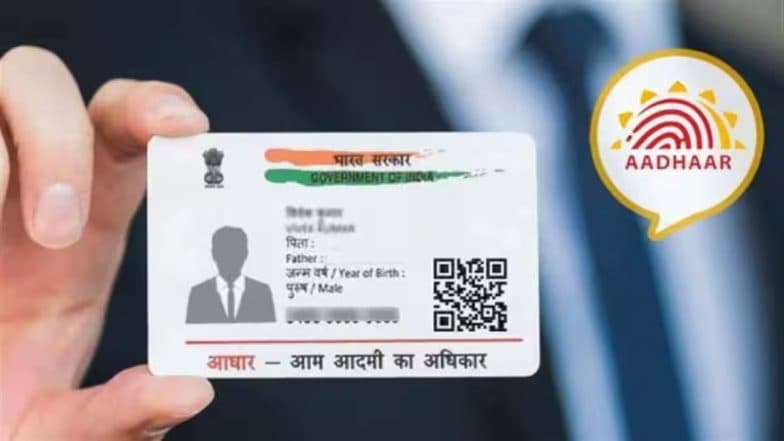
How To Update Email ID in Aadhaar Without Visiting an Enrollment Centre
UIDAI launched a new mobile app service allowing residents to link or update their email addresses directly without visiting enrollment centres. The free service for six months enhances digital security and provides real-time authentication notifications. Scroll below to know the steps to link email via the Aadhaar app.

- Read in
- हिंदी

Residents in India can now add or update their email addresses directly through the official Aadhaar mobile application without needing to visit a physical enrollment centre. The Unique Identification Authority of India (UIDAI) has rolled out this capability as a free service available for six months, aimed at improving accessibility and reinforcing digital security.
Background and Security Benefits
While linking an email address is not strictly mandatory during initial Aadhaar enrollment, maintaining an updated email profile offers significant security advantages. When an email ID is tied to an Aadhaar account, cardholders receive real-time notifications whenever an authentication request is processed. This immediate tracking mechanism adds transparency, allowing individuals to monitor how and when their unique identifier is utilised across various services. How To Download Aadhaar App and Enable Biometrics.
Update Email in Aadhaar for Free
UIDAI has now allowed people to add or update their email ID in Aadhaar directly through the Aadhaar App, eliminating the need to visit an Aadhaar centre.
Download Aahdaar App today - https://t.co/xCUoUrvnRC #AadhaarApp #EmailUpdate #Aadhaar #Easeofliving pic.twitter.com/SUNiWlP89l
— Aadhaar (@UIDAI) July 13, 2026
Step-by-Step Guide to Linking Email via the Aadhaar App
The updated mobile framework allows users to handle contact detail updates directly from their smartphones. To utilise the system, follow these general steps:
- Download the Official App: Install or update to the official Aadhaar mobile application from authorised app stores on Android or iOS platforms.
- Log In Securely: Access the application using your registered credentials or a secure 6-digit PIN.
- Navigate to Services: Locate the update section within the app interface to modify contact details.
- Submit Email Information: Enter your preferred active email address and complete the required verification steps, such as authentication via an OTP sent to your registered mobile number. How To Update Mobile Number in Aadhaar Card: A Step-by-Step Guide.
Offline and Alternative Methods
For individuals who prefer traditional methods or encounter technical issues with mobile applications, updates can still be processed physically. Residents may visit their nearest Aadhaar Seva Kendra (ASK) or designated post office/bank banking centres, where an operator will capture biometric or demographic updates for a nominal statutory fee.
(The above story first appeared on LatestLY on Jul 24, 2026 03:14 PM IST. For more news and updates on politics, world, sports, entertainment and lifestyle, log on to our website latestly.com).