How To Update Mobile Number in Aadhaar Card: A Step-by-Step Guide
Updating your mobile number linked to Aadhaar requires visiting an enrolment centre for biometric verification. While the official app allows some services, a physical visit is typically mandatory for security to ensure data integrity. Once submitted, you can track your request using the provided Service Request Number. Contact 1947 for further assistance.

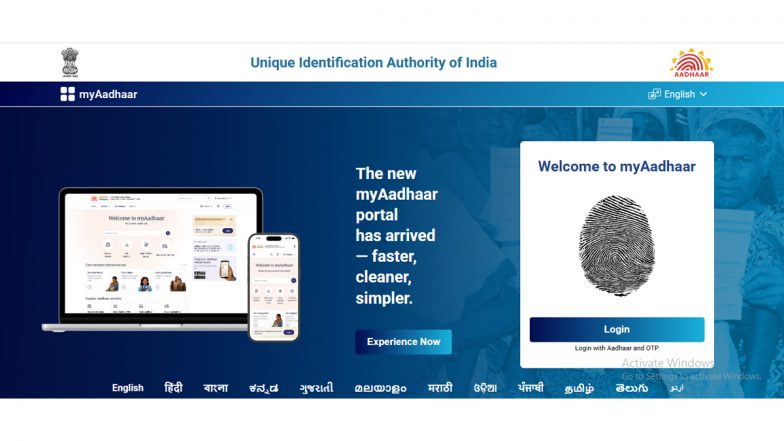
Maintaining an updated mobile number linked to your Aadhaar card is essential for accessing a wide range of government services, verifying transactions, and receiving important authentication notifications. While many Aadhaar-related services are accessible through digital portals, the process for updating a mobile number involves specific verification steps to ensure data security.
Understanding the Update Process
It is a common misconception that Aadhaar mobile number updates can be handled entirely through the standard web-based "myAadhaar" self-service portal. Unlike address updates, which can often be submitted online with supporting documentation, the Unique Identification Authority of India (UIDAI) mandates a more secure process for mobile number changes. Aadhaar Card: UIDAI Rolls Out Free Email Update via App, No Need To Visit Centre.
For most residents, the primary method for updating a mobile number is to visit a physical Aadhaar Enrolment Centre or an Aadhaar Seva Kendra. This ensures that biometrics can be verified in person, maintaining the integrity of the database.
Using the Aadhaar App
In a move toward greater convenience, UIDAI has introduced mobile number update capabilities through the official Aadhaar App. Residents can use the app to initiate the request, though the process depends on their current registration status:
- Registered Users: If you are already registered on the app using your currently linked mobile number, you can request an update by verifying the new number via OTP and completing a face authentication process.
- Alternative Registration: If you have registered on the app using a different mobile number, the system will require verification of both your old and new numbers through OTP, followed by face authentication.
- In-Person Requirement: In scenarios where you no longer have access to the old mobile number, or if you have never linked a number to your Aadhaar, the app will direct you to visit your nearest Aadhaar Seva Kendra to complete the update in person.
Visiting an Enrolment Centre
For those who prefer or are required to visit an Enrolment Centre, the process is straightforward:
- Locate a Centre: You can find your nearest centre using the Bhuvan Aadhaar portal or the official UIDAI website.
- Fill the Form: Request an Aadhaar Correction Form at the centre.
- Submit Request: Provide your details to the operator. Unlike some other demographic updates, you typically do not need to provide extensive documentary proof for a mobile number change, but it is recommended to carry your original Aadhaar card for reference.
- Verification: The operator will perform biometric authentication to process the request.
- Tracking: Once the request is submitted, you will receive an acknowledgement receipt containing a Service Request Number (SRN) or Unique Reference Number (URN), which can be used to track the status of your update on the UIDAI website. How To Check if Your Mobile Number Is Linked to Your Aadhaar: A Step-by-Step Guide.
UIDAI advises residents to keep their contact information current, as the mobile number serves as the primary gateway for digital identity verification. For further assistance or to check the status of a pending request, residents can contact the UIDAI toll-free helpline at 1947.
(The above story first appeared on LatestLY on Jul 19, 2026 04:19 PM IST. For more news and updates on politics, world, sports, entertainment and lifestyle, log on to our website latestly.com).