5 Best AI Presentation Makers for Students in 2026
Discover the best AI presentation makers for students in 2026, from quick slide generation to improving existing PPT files for class projects.

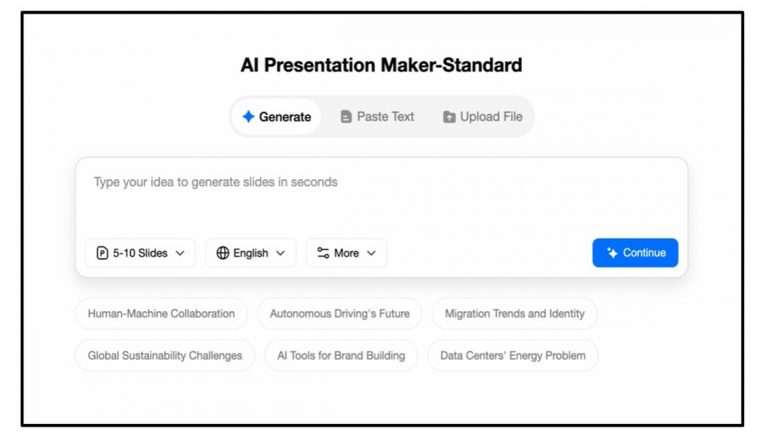
Finding the Best AI presentation makers as a student comes down to one question: which tool actually saves you time when deadlines are piling up?
Let's be honest, creating slides is rarely the fun part of a project. You've done the research, but then you spend hours formatting content, adjusting layouts, and trying to make everything look presentable. That's why AI presentation tools have become so useful for students.
Some AI slide generators can build presentations from a simple prompt, while others offer more control over design or help improve slides you've already created.
This guide explores five of the best AI presentation makers in 2026, highlighting their strengths, limitations, and the types of students who will benefit most from each one.
How We Chose the AI Presentation Makers on This List
Not every AI presentation tool is built with students in mind. To keep this list relevant, we evaluated each tool across five dimensions that actually matter for student use:
- Ease of Use: How quickly students can create presentations without a steep learning curve.
- Slide Generation Quality: Whether the AI presentation generator creates clear outlines and useful content, not just attractive slides.
- Design and Templates: The quality of layouts and templates for building polished presentations with less manual work.
- PPT/PPTX Support: Whether the tool can improve existing presentations as well as create new ones.
- Student Value: Affordability, language support, and usefulness for class reports, research projects, and group assignments.
5 Best AI Presentation Makers for Students in 2026
1. TeraBox AI Presentation Maker
Pricing: Free tier available
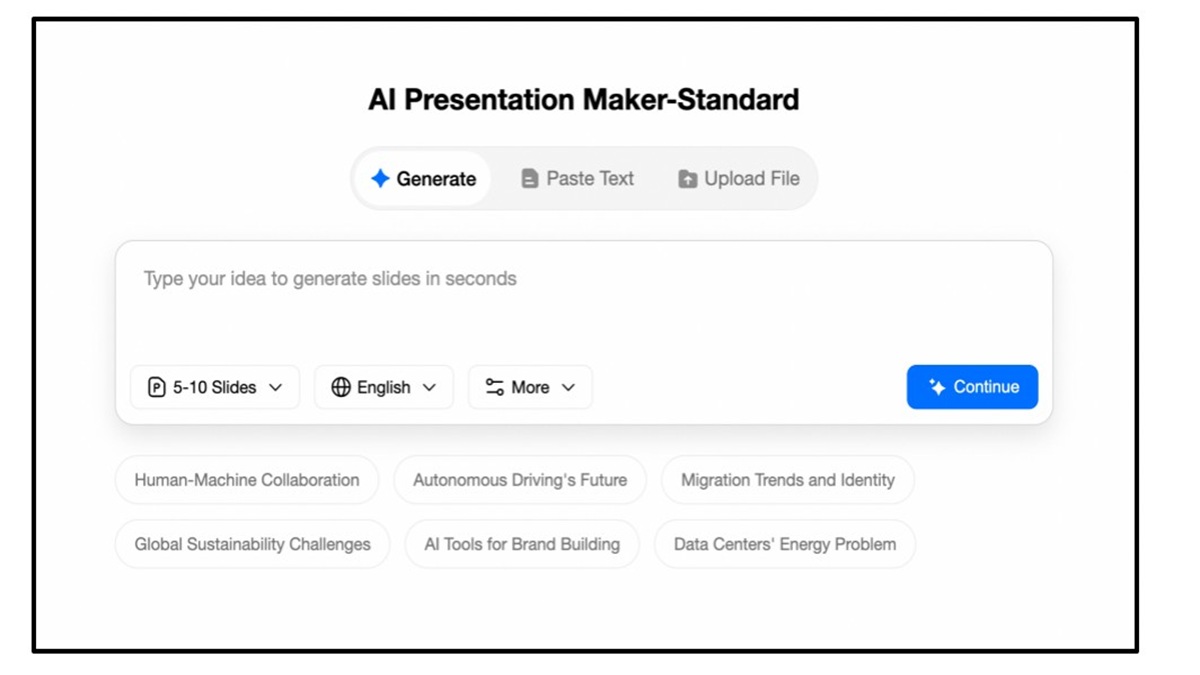
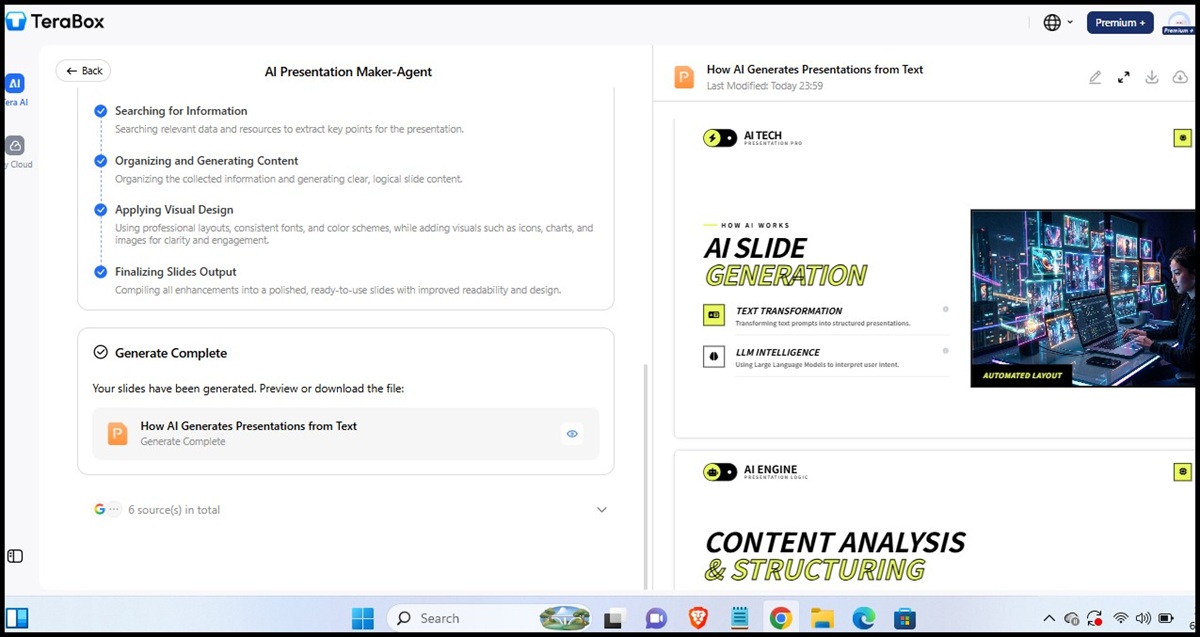
Testing TeraBox felt different from many AI presentation tools because it offers three workflows instead of a one-size-fits-all approach: Agent Mode, Standard Mode, and Beautify Slides.
Agent Mode is the fastest. Enter a topic, choose a slide count, and the tool generates a complete presentation in minutes. It worked well for simple class topics and tight deadlines, though some slides still needed light editing and added detail.
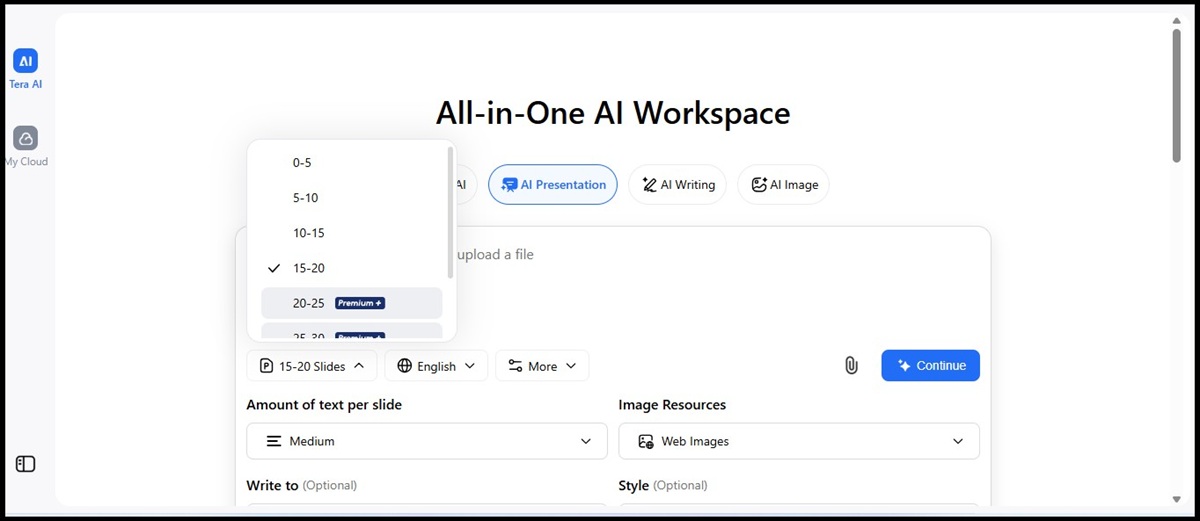
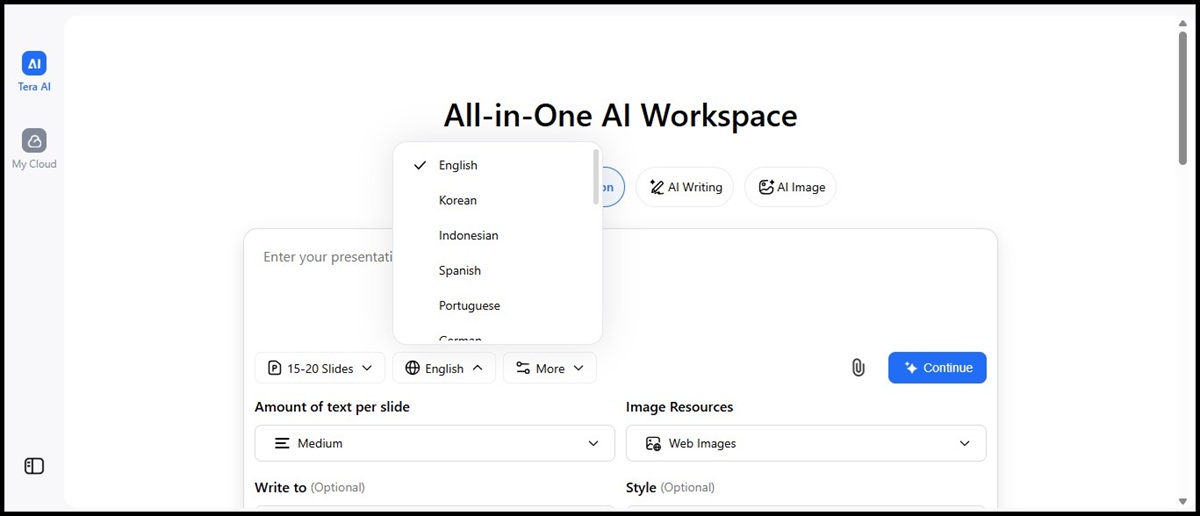
Standard Mode offers more control. Before generating slides, you can set the slide count, language, content length, audience, and presentation style, or upload a document for conversion. The tool then creates an outline for review before you choose a template and generate the final presentation.


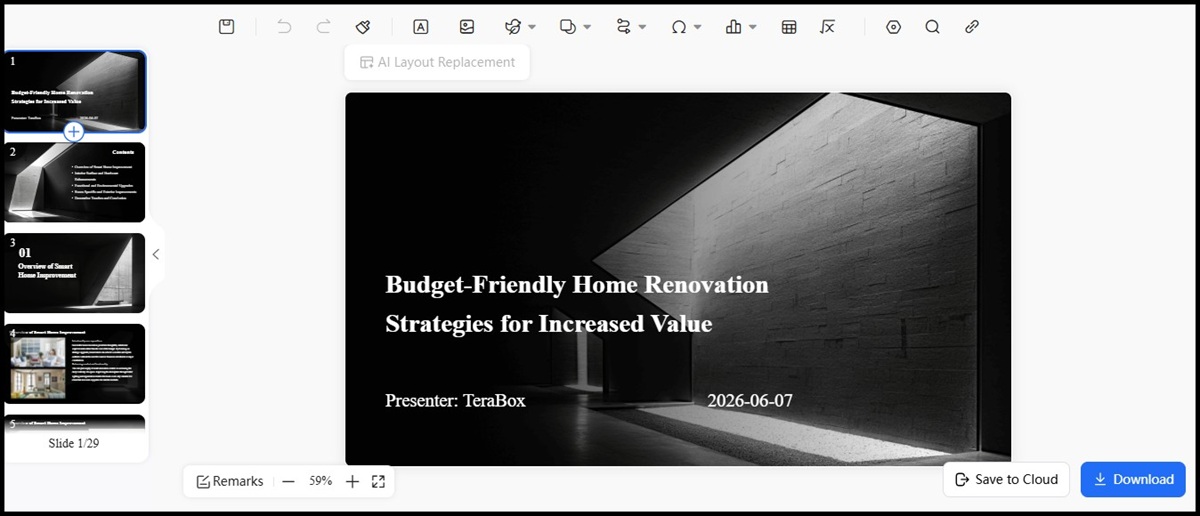

Then we have the third feature, Beautify Slides. Beautify Slides is where TeraBox separates itself from most AI slide generators. Upload an existing PPT or PPTX file and the tool improves its layout, spacing, and visual consistency automatically without touching your content. During testing, the results were noticeably cleaner after processing.
Best For: Students who want one platform for creating new presentations and improving existing slides before submission.


2. Gamma

Pricing: Free plan available; paid plans start at $8/month and vary by billing cycle
Gamma is the strongest option when speed is the priority. Type in a topic and within minutes you have a fully structured presentation with real content; not just placeholder text. The layouts are modern and clean, which works well if your lecturer appreciates polished visuals.
The catch is that exported PowerPoint files don't always transfer cleanly. Fonts shift and spacing changes, so budget time for touch-ups after export. Free plan credits also run out faster than expected with regular use.
Best For: Students who need a solid first draft fast and don't mind light edits after export.
3. Canva

Pricing: Free plan available; paid plans vary by region and billing cycle
Canva is the most design-flexible option on this list. Its AI presentation tool generates a basic slide structure you can fully customize using its drag-and-drop editor and extensive template library. Real-time collaboration also makes it practical for group assignments where multiple students need to edit the same file at once.
The trade-off is that Canva is a design platform first. Its AI-generated content tends to be surface-level, and research-heavy presentations will need significant manual rewriting.
Best For: Students who want full design control or regularly work on group projects.
4. Beautiful.ai

Pricing: Free trial available; paid plans vary by plan and billing cycle
Beautiful.ai focuses on one specific problem; keeping slides looking clean and consistent without manual formatting effort. Its Smart Slides feature automatically adjusts layouts as you add content, maintaining visual balance throughout your presentation.
The limitation is that it won't generate content for you. You bring the material, it handles the design. It's also the least budget-friendly option here with very limited free access.
Best For: Students with high-stakes presentations final year defenses or thesis presentations where visual polish matters as much as content.
5. Plus AI

Pricing: Free trial available; paid plans start around $10/month and vary by plan
Plus AI works directly inside PowerPoint and Google Slides rather than asking you to learn a new platform. For students already comfortable with either application, this removes a lot of unnecessary friction.It's most practical mid-project.
If you have a partially built presentation and need help expanding specific slides or restructuring content, Plus AI fits naturally into that workflow. It's less suited for building full presentations from scratch.
Best For: Students who prefer PowerPoint or Google Slides and want AI assistance without switching platforms.
Quick Comparison: Which AI Presentation Maker Is Best for Students?
| Tool | Free Plan | PPT Upload | Existing PPT Improvement | Languages | Best For |
| TeraBox | Yes | Yes (PPT/PPTX) | Yes (Beautify Slides workflow | Multiple | Create + improve presentations |
| Gamma | Yes (limited credits) | No | Not Supported | Multiple | Fast AI-generated drafts |
| Canva | Yes | Yes | Limited (manual + AI design assist) | 100+ | Design-heavy presentations |
| Beautiful.ai | Limited trial | No direct upload workflow | Yes (auto layout adjustment) | Limited | Clean, structured slide design |
| Plus AI | Trial only | Yes (Google Slides) | Yes (AI-assisted editing inside Slides) | Yes | Editing inside existing workflows |
Quick Recommendations
- Need fast AI-generated slides? Try Gamma.
- Need maximum design flexibility? Canva is a strong choice.
- Need polished visual layouts? Beautiful.ai works well.
- Already use PowerPoint or Google Slides? Consider Plus AI.
- Need both presentation generation and slide improvement? TeraBox offers one of the most complete workflows.
- No single tool fits every student. The right choice depends on where you are in your presentation process and what you actually need help with.
Need to Improve an Existing Class PPT? Look for Slide Beautification Features
Most students don't start from scratch. The research is done and the key points are already on the slides, but the presentation still looks unfinished with inconsistent fonts, crowded layouts, and uneven spacing.
This is where slide beautification comes in. Instead of generating a new presentation, it improves the design of an existing one while keeping the original content intact.
This can be especially useful for group projects, where multiple contributors often leave a presentation looking inconsistent. A slide beautification tool helps create a more polished and professional look before submission.
TeraBox's Beautify Slides feature takes this approach. Simply upload a PPT or PPTX file, and the tool automatically improves layout, spacing, and overall visual consistency.
Frequently Asked Questions
What is the best AI presentation maker for students?
There is no single best option for everyone. Gamma excels at fast presentation creation, Canva offers design flexibility, and TeraBox AI provides both slide generation and PPT improvement features.
Can AI make a PowerPoint presentation for school?
Yes. Modern AI presentation generators can create outlines, organize content, and build presentation slides from simple prompts.
Is there a free AI presentation maker for students?
Many AI presentation tools offer free plans or trial versions, although advanced features may require paid access.
Can I upload an existing PPT and improve it with AI?
Some tools support this feature. TeraBox's Beautify Slides workflow is one example that allows users to upload PPT/PPTX files and improve their appearance.
Are AI-generated presentations ready to submit?
Not always. Students should review content, verify facts, and make adjustments before submission.
Can AI help with group project presentations?
Yes. AI presentation tools can help create outlines, organize information, and speed up slide creation for collaborative projects.
Conclusion
The best AI presentation maker for students depends on how they usually create and edit presentations. Instead of choosing the tool with the longest feature list, it is better to choose one that fits the actual workflow, from planning and drafting to editing and final submission.
If you want to create a new presentation and also improve an existing PPT in one place, TeraBox AI Presentation Maker is a practical option to test for your next class project or group presentation.