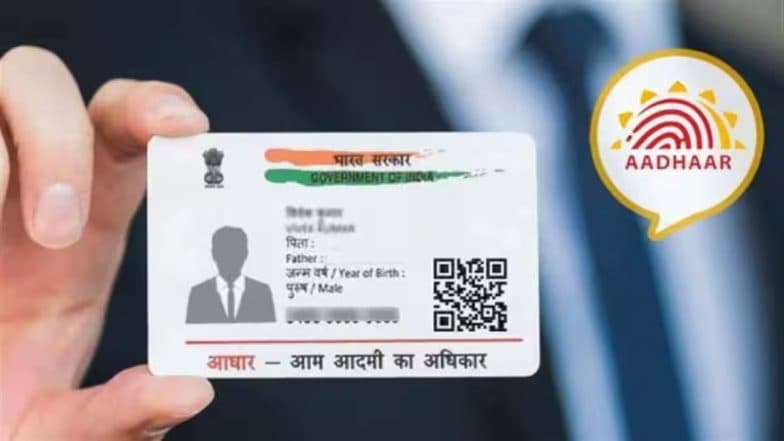
How To Link Email to Aadhaar Using the Official App: Step-by-Step Guide
The UIDAI has launched a service on the official Aadhaar App allowing residents to link or update their email IDs without visiting a centre. A service fee of INR 75 is waived for all updates made via the app from July 1 to December 31. This move promotes digital accessibility, with over 250,000 updates recorded in the first 48 hours of the service.

- Read in
- हिंदी

In a significant move to enhance digital accessibility, the Unique Identification Authority of India (UIDAI) has introduced a new feature allowing residents to add or update their email ID linked to Aadhaar directly through the official Aadhaar App. This initiative, which went live on July 1, eliminates the previous requirement for residents to visit an Aadhaar Seva Kendra for this specific service.
As part of a limited-time promotional effort, the UIDAI has also waived the standard INR 75 service fee for email updates performed through the app. This fee waiver is effective for six months, running from July 1 until December 31. How To Check if Your Mobile Number Is Linked to Your Aadhaar: A Step-by-Step Guide.
Update Email in Aadhaar for Free
UIDAI has now allowed people to add or update their email ID in Aadhaar directly through the Aadhaar App, eliminating the need to visit an Aadhaar centre.
Download Aahdaar App today - https://t.co/xCUoUrvnRC #AadhaarApp #EmailUpdate #Aadhaar #Easeofliving pic.twitter.com/SUNiWlP89l
— Aadhaar (@UIDAI) July 13, 2026
Benefits of Linking Your Email ID With Aadhaar
Linking an email ID to an Aadhaar account provides users with increased transparency and security. Once registered, users receive real-time email notifications whenever an Aadhaar authentication request is executed. This allows individuals to actively monitor the use of their identity information and quickly identify any unauthorised access attempts.
How To Update Your Email ID
To utilise this digital service, residents must use the latest version of the official Aadhaar App, which is available on both Android and iOS platforms. The process is designed to be straightforward:
- Log In: Open the Aadhaar App and log in using your credentials and secure 6-digit PIN.
- Navigate to Services: Access your Aadhaar dashboard and locate the option to add or update your email address.
- Enter Details: Input your new email address carefully to ensure accuracy.
- Verification: Follow the on-screen instructions to verify your email, which typically involves an OTP or validation link sent to your inbox.
- Submission: Once verified, submit your request. You will receive a Service Request Number (SRN) to track the status of your update. Aadhaar App Security: 5 Simple Steps To Update Your Aadhaar App PIN.
Strong Public Adoption
The introduction of this digital service has been met with significant public demand. According to the Ministry of Electronics and Information Technology, over 250,000 individuals successfully updated their email addresses within the first 48 hours of the service's launch. This rapid adoption underscores the ongoing shift toward providing more resident-friendly, digital-first identity management solutions under the Digital India initiative.
(The above story first appeared on LatestLY on Jul 15, 2026 12:41 PM IST. For more news and updates on politics, world, sports, entertainment and lifestyle, log on to our website latestly.com).