Create Viral Penguin Walking Towards a Mountain Meme With AI Tools
Join the biggest trend of 2026! Learn how to generate the viral penguin walking towards mountain meme using free AI tools like Canva, Google Gemini, and Bing Image Creator. This guide covers the viral backstory involving the 'Nihilist Penguin' and Donald Trump's Greenland tweet, plus provides exact copy-paste prompts to create your own cinematic 4K wallpapers.

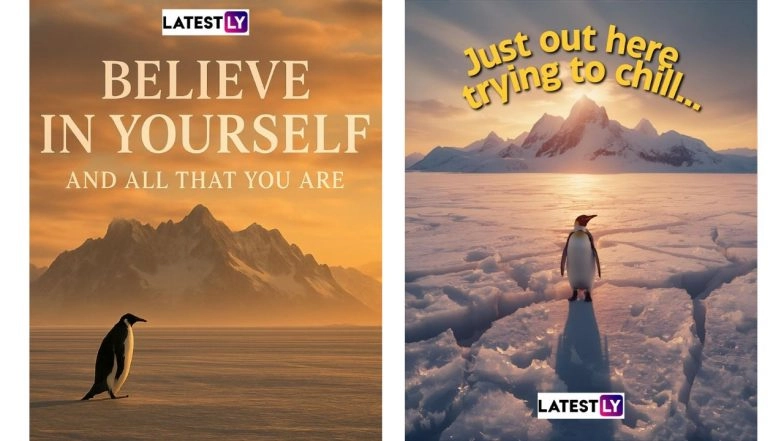
It started as a clip from a 2007 nature documentary, but in 2026, it has become the internet's favorite symbol of stoic determination (or existential dread). The "Nihilist Penguin", a lone bird marching away from its colony toward a massive, snowy mountain range, is taking over social media feeds and wallpapers everywhere.
You don't need Photoshop skills or a trip to Antarctica to join the trend. Thanks to free AI image generators, you can create your own high-definition version in seconds. How to Create Viral Penguin Walking Towards a Mountain Wallpaper With AI Tools.
Here is the ultimate guide to generating the perfect "Penguin Walking Towards Mountain" image, the exact prompts to use, and the best free tools for the job.
What is the Viral Penguin Walking Towards Mountain Meme
While the original footage of the "depressed penguin" comes from Werner Herzog’s 2007 documentary Encounters at the End of the World, the current viral explosion is political.
In January 2026, the meme was catapulted back into the spotlight when the White House X (formerly Twitter) account posted an AI-generated image of President Donald Trump walking alongside the penguin with the caption "Embrace the penguin." The post was intended to promote US interests in Greenland, framing the penguin’s march not as a death wish, but as a bold journey into the unknown.
Watch The Original 'Penguin Walking Towards Mountain' Clip Here
The "Blunder" Factor: The trend spiked specifically because of a geography error in the President's post: Penguins live in the Antarctic (South), not Greenland (North).
Penguin Meme Shared by Donald Trump
Embrace the penguin. pic.twitter.com/kKlzwd3Rx7
— The White House (@WhiteHouse) January 23, 2026
The Reaction: The internet immediately seized on the irony. The meme mutated from a symbol of "existential dread" into a symbol of "confident error." Why Are There No Penguins in Greenland?
The Result: People are now generating their own versions to mock the blunder or to support the "rebel" spirit of the penguin, making it the defining meme of the 2026 Greenland discourse.
So before you start typing prompts, it helps to understand why this specific image works so well. To get a viral-worthy result, your image needs three key ingredients:
The Subject (Isolation): It must be a single, lone penguin. Multiple penguins ruin the vibe of solitary struggle. It should almost always be walking away from the camera.
The Scale (Overwhelming): The mountain in the distance needs to be massive, making the penguin look tiny and insignificant by comparison.
The Mood (Cinematic): The lighting should be dramatic. Think golden hour sunsets, moody overcast skies, or foggy dawns. Bright, cheerful midday sun usually doesn't work as well.
The Tools & The Prompts to Generate Viral Penguin Walking Towards Mountain Meme (Step-by-Step)
Here are the three best free AI tools right now for generating this specific image, along with the exact "copy-paste" prompts to get the look.
Option A: Microsoft Designer (Bing Image Creator)
Best for: Photorealism and dramatic, cinematic lighting. Microsoft uses OpenAI’s DALL-E 3 model, which is fantastic at understanding detailed descriptions and creating high-drama scenes.
How to use it: Go to bing.com/images/create and sign in with a Microsoft account.
The Copy-Paste Prompt: "A cinematic wide photograph of a lone penguin walking across a vast, frozen expanse of ice towards a massive, jagged mountain range in the far distance. Golden hour sunset lighting casting long shadows, highly detailed, National Geographic style, 8k resolution."
Option B: Canva (Magic Media)
Best for: Beginners and adding text immediately. If you want to turn your image into a meme with text straight away, Canva is the easiest workflow.
How to use it: Open Canva, create a new design (e.g., "Instagram Post"), and select the "Magic Media" app on the left sidebar.
The Copy-Paste Prompt: "A solitary penguin walking away on a snowy path towards a giant mountain peak, moody atmosphere, overcast sky, wide angle view, film grain."
Pro-Tip: Once generated, use Canva's text tools to add a caption like "My commute" or "Going to buy milk."
Option C: Google Gemini (formerly Nano Banana)
Best for: Speed and understanding camera angles. Google's latest image models are very fast and good at understanding spatial requests like "far distance."
How to use it: Go to gemini.google.com and just ask the chat bot.
The Copy-Paste Prompt: "Generate a wide-angle landscape image of a single Adélie penguin marching towards an immense, distant snowy mountain. The ground is blue ice. Dramatic, cloudy sky. Photographic style."
Ready to Download Sample Viral Penguin Walking Towards Mountain Meme
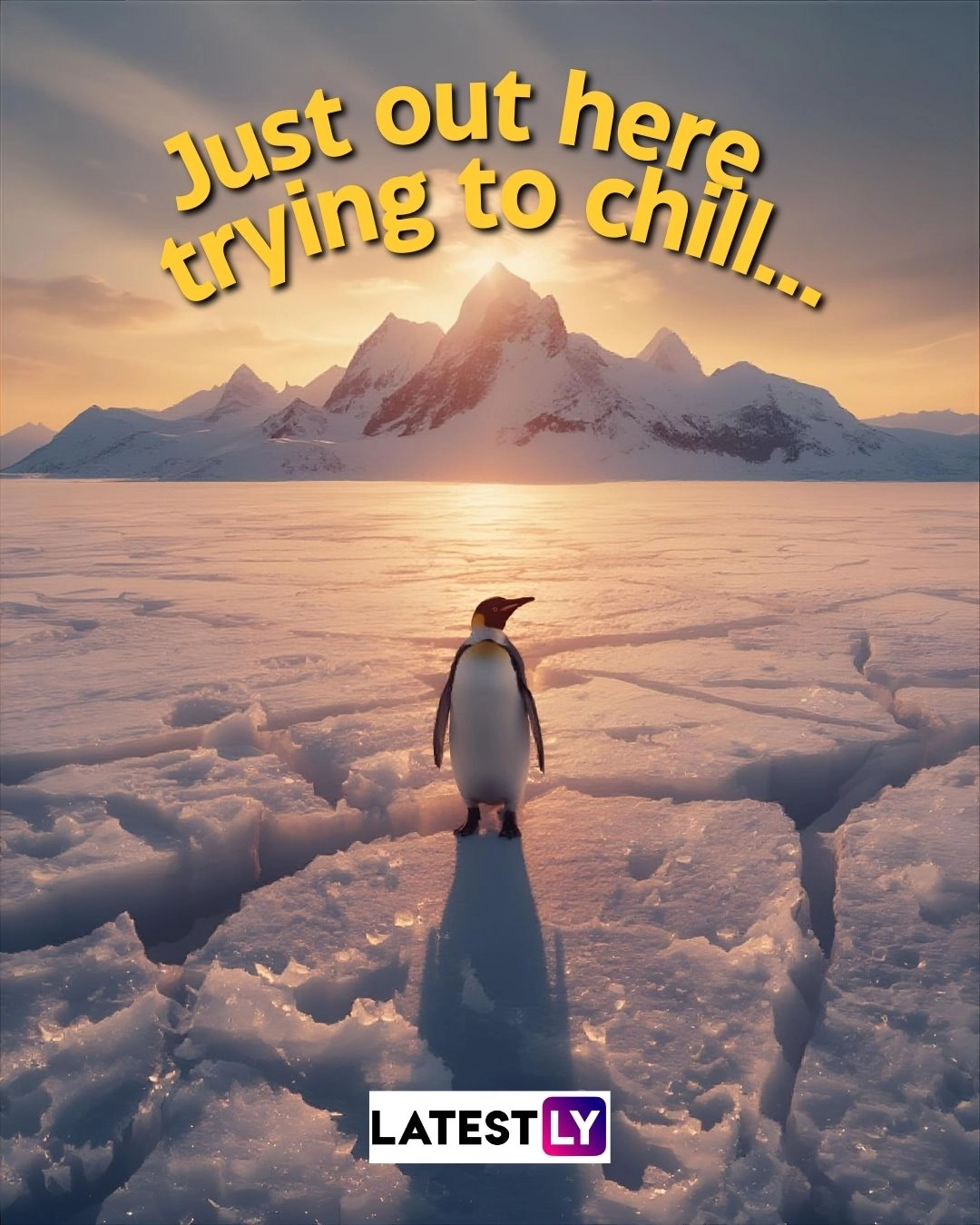
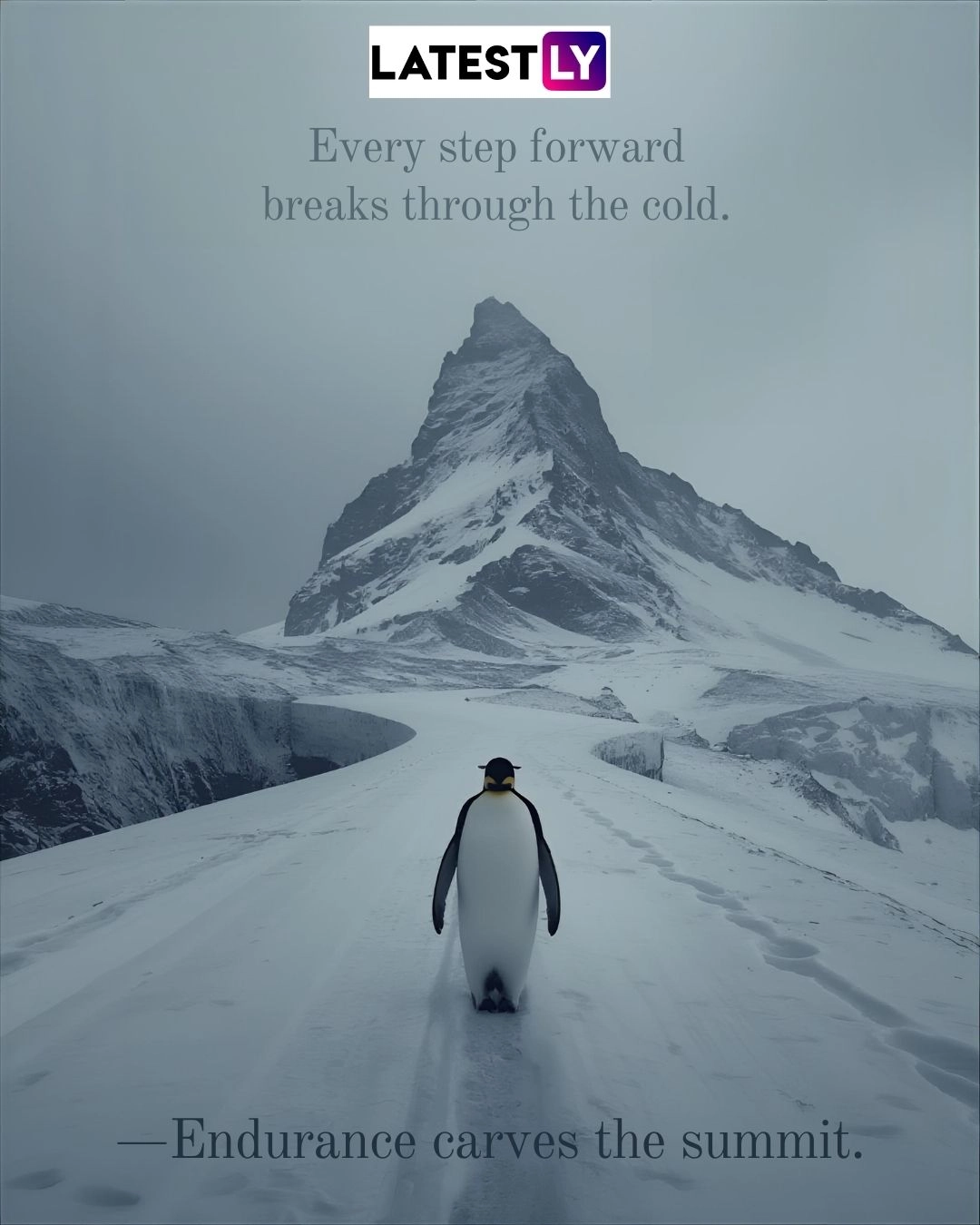
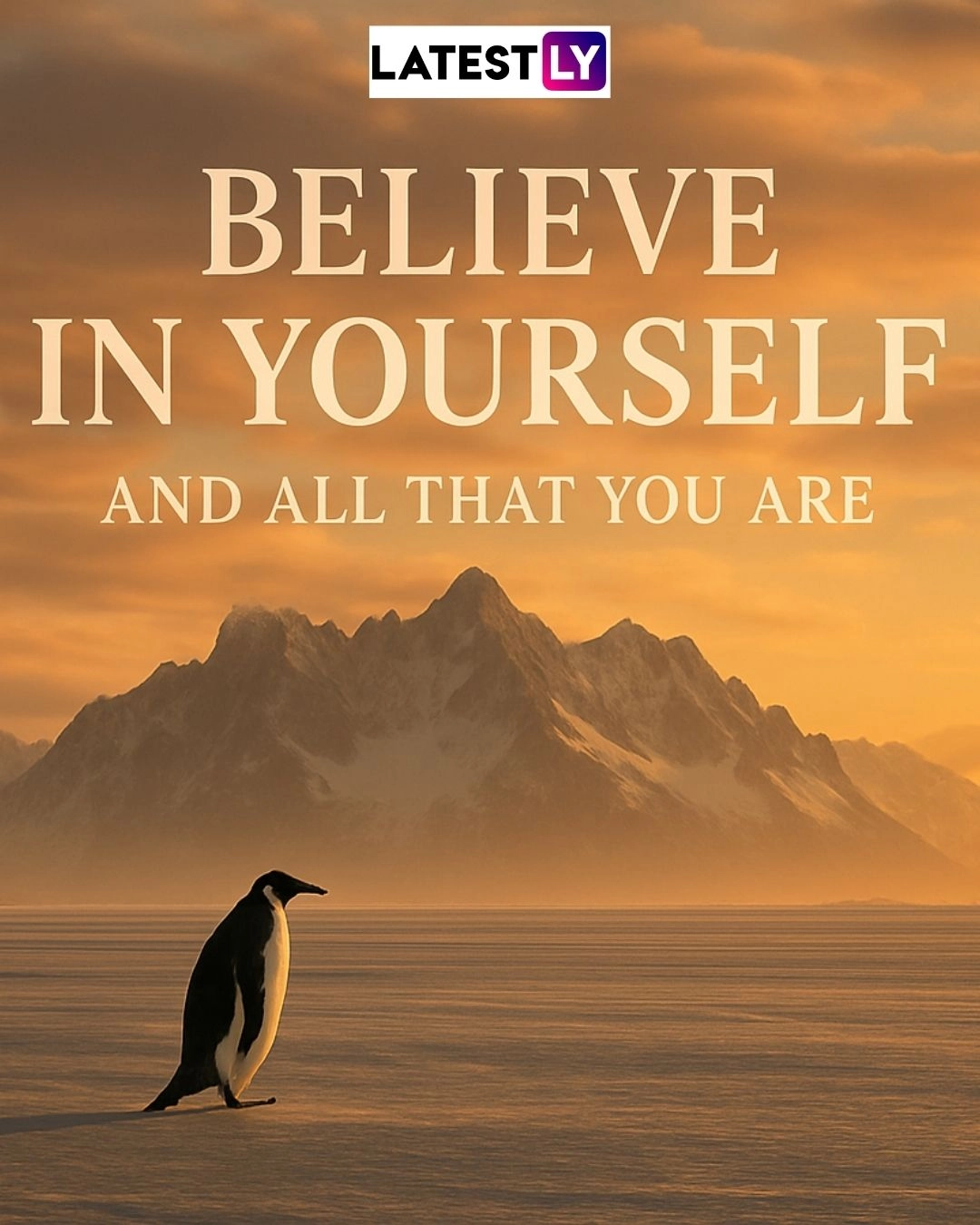
Customizing the Vibe: Changing the Mood as Per the Meme
The standard meme is moody ("nihilist"), but you can tweak the prompt to change the emotional tone of your image.
The "Hopeful" Vibe: Change the lighting cues. Instead of "overcast" or "moody," use: "Sunrise glowing behind the mountain, bright hopeful light, clear skies."
The "Cyberpunk/Sci-Fi" Vibe: Change the setting entirely. Use: "A lone penguin walking on a frozen neon path towards a futuristic glowing mountain, cyberpunk city in distance, purple and blue lighting, digital art style."
The "Minimalist" Vibe: Simplify everything for an artsy look. Use: "Minimalist vector art of a small black penguin shape walking toward a large white mountain triangle, flat colors, ample negative space."
Quick Tip for Wallpapers: If you are generating this for a phone wallpaper, make sure to add the word "vertical aspect ratio" or "9:16" to the very beginning of any prompt you use to ensure it fits your screen perfectly. Create Viral Penguin Walking Towards a Mountain Wallpaper With AI Tools.
The beauty of the "Nihilist Penguin" meme is its simplicity. It’s a blank canvas for whatever emotion the internet is feeling that week, whether it's political satire, workplace burnout, or just cool aesthetics.
(The above story first appeared on LatestLY on Jan 25, 2026 12:33 PM IST. For more news and updates on politics, world, sports, entertainment and lifestyle, log on to our website latestly.com).