Minecraft Bedrock Edition Download: How To Install 26.30.25/26 Beta Version
Mojang has officially released the Minecraft Bedrock 26.30.25/26 beta and preview version, offering players an early look at upcoming content from the "Chaos Cubed" update. This latest build introduces several notable features, including Sulfur Cube Archetypes and Geysers, as the developers continue to refine gameplay mechanics before the final update.

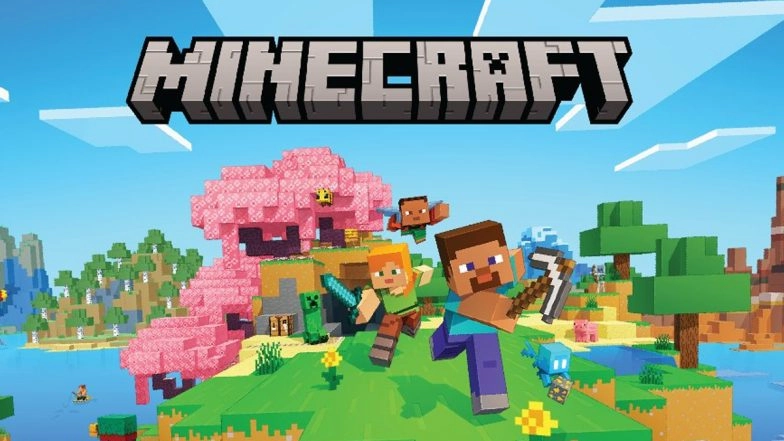
Mojang has officially released the Minecraft Bedrock 26.30.25/26 beta and preview version, offering players an early look at upcoming content from the "Chaos Cubed" update. This latest build introduces several notable features, including Sulfur Cube Archetypes and Geysers, as the developers continue to refine gameplay mechanics before the final update.
Testing New Mechanics
Beta and preview versions serve as a vital testing ground for Mojang. By releasing these builds, the development team can gather community feedback and identify bugs in a live environment. For players, the 26.30.25/26 version provides a sneak peek at the evolving "Chaos Cubed" update, allowing for hands-on experience with new elemental archetypes and environmental hazards like Geysers. Minecraft Update: ‘Chase the Skies’ Will Launch on June 17; Know What To Expect.
How to Install on PC and Xbox
The installation process varies depending on the platform, but remains straightforward for most users:
-
Windows 10/11 (PC): Open the Minecraft Launcher and select "Minecraft: Bedrock Edition" from the sidebar. Click the drop-down menu next to the "Play" button and select "Latest Preview." The launcher will automatically download and install the beta files.
-
Xbox Series X|S and Xbox One: Navigate to the Xbox Game Store or the Game Pass Library and search for "Minecraft Preview." Select the application and click "Install" to add the beta version to your library.
Accessing the Beta on PlayStation
PlayStation 4 and 5 users can find the preview within the main game’s menu system. To install, locate Minecraft in your game library or "Frequently Played" tab. Within the game’s sidebar, scroll down to the "Preview" section and select "Get PlayStation 4/5 Preview" to begin the download.
Mobile Installation: Android and iOS
Mobile players have specific enrollment paths to access beta content:
-
Android (Google Play Store): Search for Minecraft in the Play Store and scroll down to the "Join the Beta" section. Once enrolled, the store will prompt an update to the beta version.
-
iOS (TestFlight): Apple users must use the TestFlight app to sign up for the Minecraft Preview. After signing up, a download link is typically sent via email. However, slots for iOS testers are limited and often fill up quickly. ‘A Minecraft Movie’: Fans Throw Popcorn at Each Other While Watching Jack Black–Jason Momoa’s Movie, Viral Video Shows Cinema Theatre in Messy Chaos – WATCH.
Background and Compatibility
This beta release follows the recent 26.20 update, maintaining a steady cadence of content previews for the Bedrock Edition. Players should note that beta versions can be unstable and may not be compatible with standard worlds. It is recommended to back up existing save files before switching to the beta version to prevent data loss.
(The above story first appeared on LatestLY on May 07, 2026 12:34 PM IST. For more news and updates on politics, world, sports, entertainment and lifestyle, log on to our website latestly.com).