PS5 System Software Update Adds Power Saver Mode and Improves DualSense Wireless Controller Features; Know How To Update PlayStation Console
PlayStation 5 (PS5) users can now update to system software version 25.06-12.00.00, which adds a power saver option for supported games, improves wireless controller support, and enhances system stability. DualSense and DualSense Edge controllers can now pair with up to four devices. Updates can be installed automatically in rest mode or manually through Settings under System Software Update.

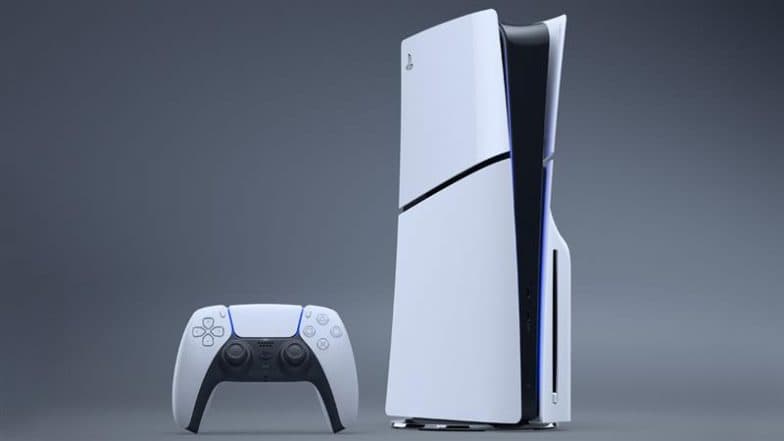
PlayStation 5 (PS5) system software update 25.06-12.00.00 is available now for its users. The new update brings several improvements, which include a power saver option for supported PS5 games. It can be adjusted by going to Settings, then System, Power Saving, and selecting Use Power Saver. The update also improves wireless controller support and system stability. The DualSense and DualSense Edge wireless controllers have received updated software. Players can now pair their controller with up to four different devices and switch between them easily. To update the system software on a PS5 console, you can choose between automatic and manual methods. For automatic update, go to Settings, then System, followed by System Software, and select System Software Update and Settings. The platform said, "Automatically update your system software while your console is in rest mode so that the next time you use your console, the system software is updated to the latest version. For manual updates, navigate to Settings, then System, and select System Software, followed by System Software Update and Settings. Select Update System Software to install the latest version. Made on YouTube 2025: Google-Owned Platform Unveils New Features To Edit Shorts With Veo 3, Studio and Live Tools To Enhance Creator Creativity; Check Details.
PlayStation 5 Software Update
PS5 system software update 25.06-12.00.00 is available now✨
Please check our page for the latest system software features and how to update.
💡PS5 system software updatehttps://t.co/ANUhbrulMa pic.twitter.com/jWz0nuiGIr
— Ask PlayStation (@AskPlayStation) September 17, 2025
(SocialLY brings you all the latest breaking news, fact checks and information from social media world, including Twitter (X), Instagram and Youtube. The above post contains publicly available embedded media, directly from the user's social media account and the views appearing in the social media post do not reflect the opinions of LatestLY.)
(The above story first appeared on LatestLY on Sep 17, 2025 03:29 PM IST. For more news and updates on politics, world, sports, entertainment and lifestyle, log on to our website latestly.com).