PS5 System Software Update Available Now; Check Details and Know How To Download
PlayStation 5 (PS5) system software update 25.07-12.20.00 lets users view serial numbers for their console and connected DualSense controllers via USB or Bluetooth. Check for further details here.

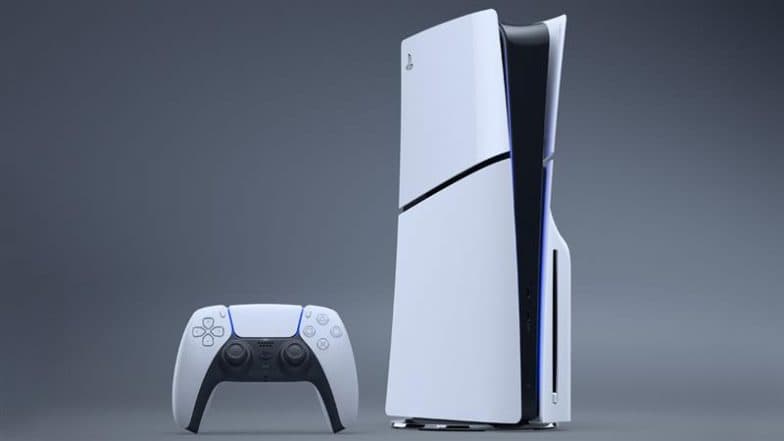
PlayStation 5 (PS5) system software update 25.07-12.20.00 is now available for its users. The new update adds a useful feature that lets players check the serial numbers of their PS5 console and connected DualSense wireless controllers by USB or Bluetooth. To find your PS5’s serial number on console, go to Settings, then System, System Software, and select serial number. For controllers, go to Settings, Accessories, General, then Advanced Settings and select View Serial Number. To enable automatic system updates on your PS5, go to settings, then System, navigate to System Software and then select System Software Update and settings. ChatGPT Atlas: OpenAI Introduces New AI-Powered Web Browser To Compete With Google Chrome; Check Features and Other Details.
PS5 System Software Update
PS5 system software update 25.07-12.20.00 is available now✨
Please check our page for the latest system software features and how to update.
💡PS5 system software updatehttps://t.co/ANUhbrulMa pic.twitter.com/f6H7eL7HU3
— Ask PlayStation (@AskPlayStation) October 22, 2025
(SocialLY brings you all the latest breaking news, fact checks and information from social media world, including Twitter (X), Instagram and Youtube. The above post contains publicly available embedded media, directly from the user's social media account and the views appearing in the social media post do not reflect the opinions of LatestLY.)
(The above story first appeared on LatestLY on Oct 22, 2025 04:58 PM IST. For more news and updates on politics, world, sports, entertainment and lifestyle, log on to our website latestly.com).