How To Verify the Mobile and Email Linked to Your Aadhaar
To verify which mobile number and email address are linked to your Aadhaar as of February 2026, use the official myAadhaar portal. By entering your 12-digit Aadhaar and the contact details you wish to check, the system will instantly confirm if they match UIDAI records. This verification is essential for secure OTP-based authentication in digital services.

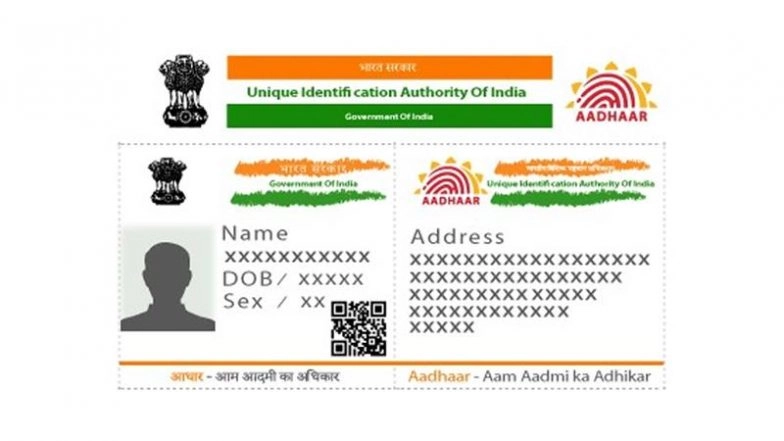
New Delhi, February 13: As of February 2026, the Unique Identification Authority of India (UIDAI) has streamlined the process for citizens to confirm which mobile number and email address are registered with their Aadhaar. With OTP-based authentication becoming mandatory for most digital services - including the upcoming PM Kisan 22nd instalment and PAN 2.0 transitions - having an active, verified contact link is critical.
The UIDAI’s "Verify Email/Mobile Number" tool now allows residents to instantly cross-check their records via the myAadhaar portal at myaadhaar.uidai.gov.in, eliminating the uncertainty that often leads to authentication failures. How To Update Aadhaar Address Online: Know Steps To Update Your Aadhaar Address Online at myaadhaar.uidai.gov.in for Free Before June 14.
Verifying Your Mobile Number Online
If you are unsure which of your phone numbers is linked to your 12-digit ID, you can verify it in seconds without needing to log in to the full dashboard.
-
Visit the Portal: Go to the official website at myaadhaar.uidai.gov.in.
-
Select Verification Tool: Under the "Aadhaar Services" section, click on 'Verify Email/Mobile Number'.
-
Enter Details: Choose the "Verify Mobile Number" radio button. Enter your 12-digit Aadhaar number and the mobile number you wish to check.
-
Security Code: Complete the Captcha and click "Send OTP".
The Results:
-
If the number matches UIDAI records, you will see a message stating: "The mobile number you have entered is already verified with our records."
-
If it does not match, the system will notify you that the details do not match its database.
Confirming Your Registered Email ID
Verifying your email address follows a nearly identical process. This is particularly useful for receiving digital e-Aadhaar copies and official notifications from the Western Naval Command or other government departments.
-
Follow the steps above, but select the "Verify Email Address" option.
-
Enter your email ID and Aadhaar number.
-
Upon entering the OTP sent to that email, the portal will confirm if the address is successfully seeded with your identity. How To Download Aadhaar Card: Know Step-by-Step Guide for E-Aadhaar.
What if Your Details Are Outdated?
It is important to note that the online portal is for verification only, not for updating. If your mobile number has changed or was never registered, you cannot update it online for security reasons.
Visit an Aadhaar Seva Kendra: You must physically visit a permanent enrolment centre. No documents are required for a mobile or email update; only your biometric authentication (fingerprint or iris scan) is needed.
Service Fee: As of early 2026, the standard fee for a demographic update (mobile/email) remains INR 75.
Processing Time: Updates typically reflect in the UIDAI database within 24 to 72 hours, though the official window remains up to 90 days.
Why Verification is Essential in 2026
The UIDAI recently introduced the Aadhaar mascot "Udai" and enhanced AI-driven security features to combat identity fraud. A registered mobile number is now the "master key" for locking and unlocking biometrics, the m-Aadhaar App, and filing Income Tax Returns.
(The above story first appeared on LatestLY on Feb 13, 2026 03:55 PM IST. For more news and updates on politics, world, sports, entertainment and lifestyle, log on to our website latestly.com).